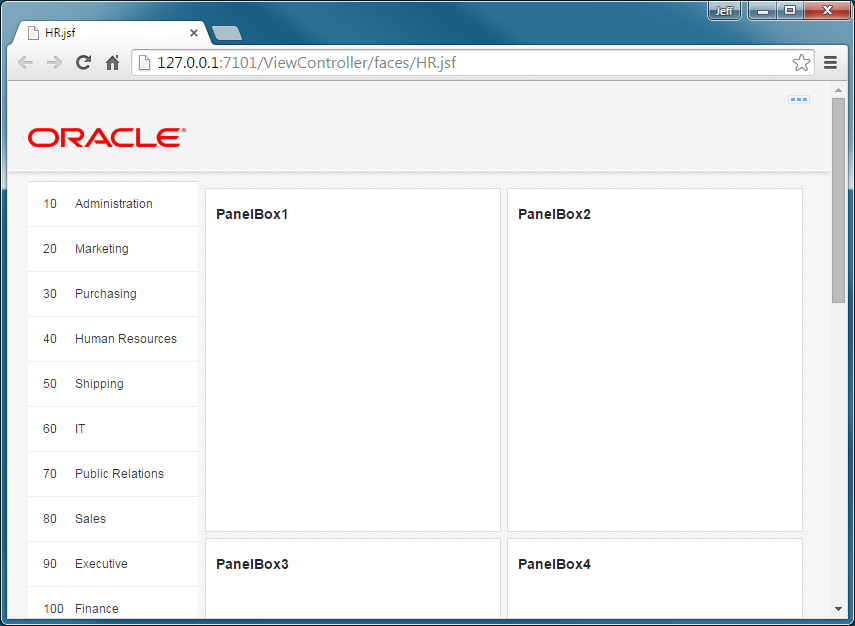
You modify the page by adding some components to determine the layout of the page. First you add a dashboard to set the general layout of the page. Then you add components which will display synchronized data
- Go back to JDeveloper and in the Structure window, select the f:facet - center.
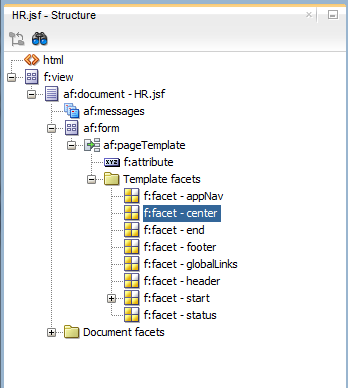
- Modify the layout of the header. In the Components Window, expand the Layout node and in the Interactive Containers and Headers section, notice the Panel Dashboard.
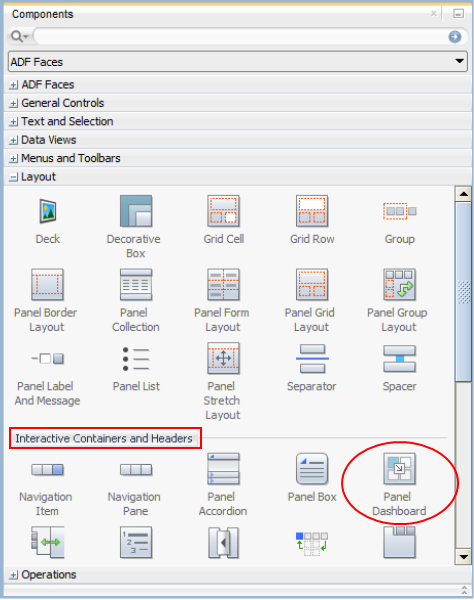 Drag it and drop it onto the f:facetCenter in the Structure window.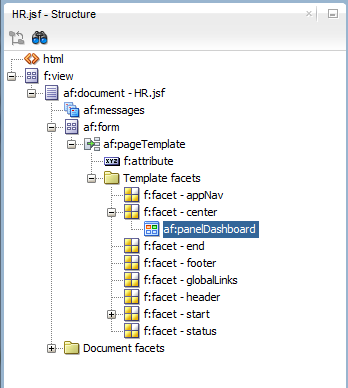
- Next in the Components window, find another layout component, a Panel Box.
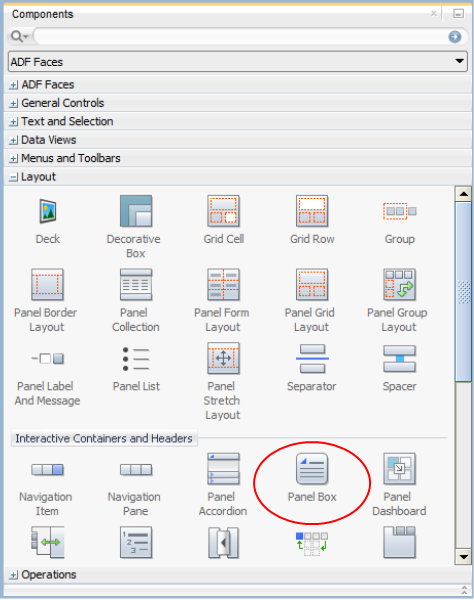 Drag and drop it, in the Structure window, on the af:panelDashboard component your just added.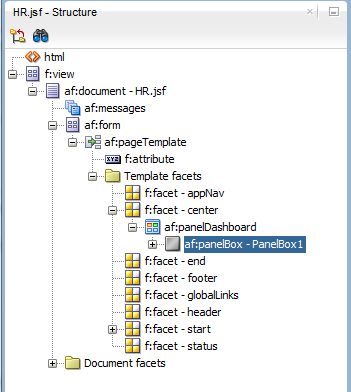
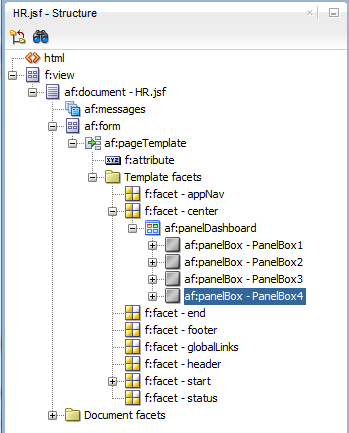
- Add another 3 Panel Boxes to the af:panelDashboard so that you have four in total.
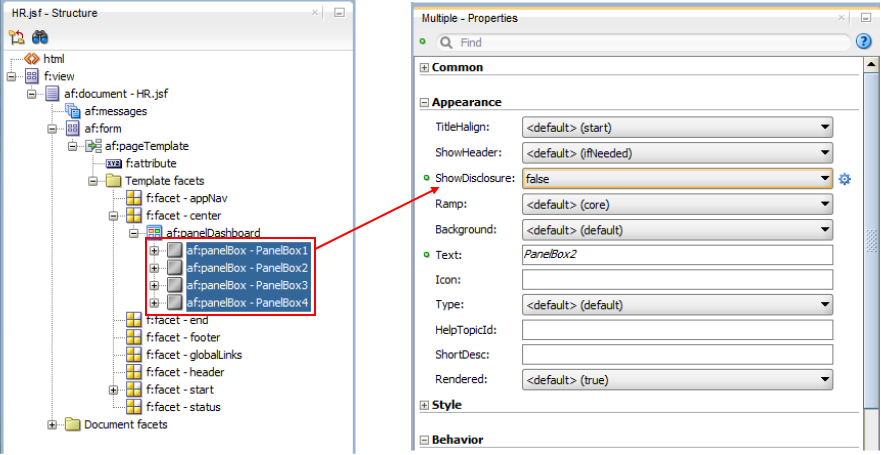
- Set a property for all the panel boxes. In the Structure window, select all the af:panelBoxes.Then in the Properties window, set the Appearance > ShowDisclosure to false.Save your work
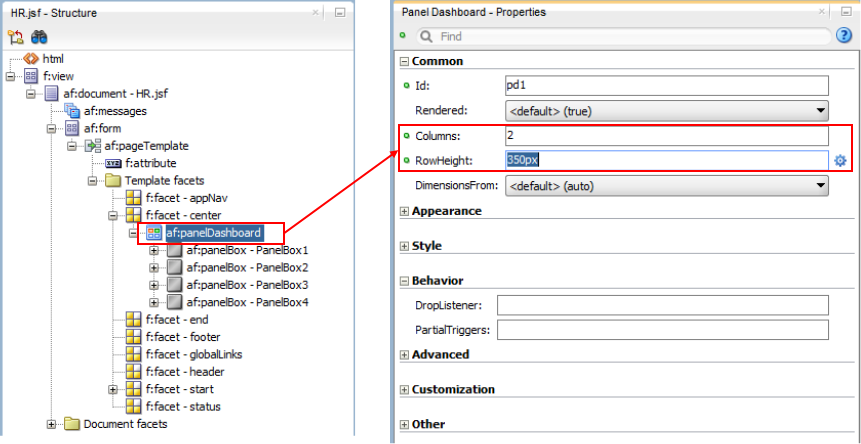
- Back in the Structure window, select the af:panelDashboard.Then set the Columns to 2 and RowHeight to 350px.Save All your work
- Go back to your browser and reload the page to see the panel boxes.