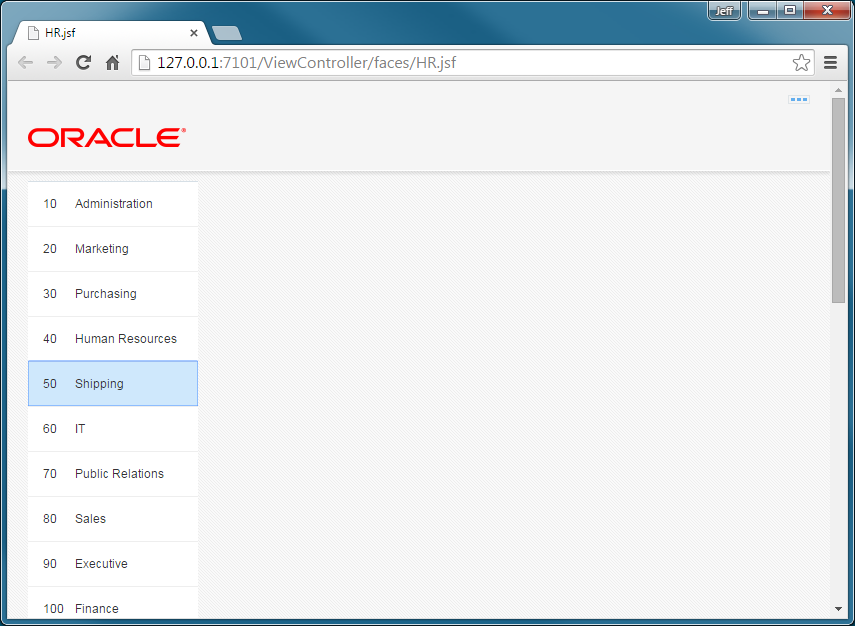
You test the page as currently exists. If this is the first time you are running a page from inside JDeveloper, you must first let the integrated WebLogic Server install.
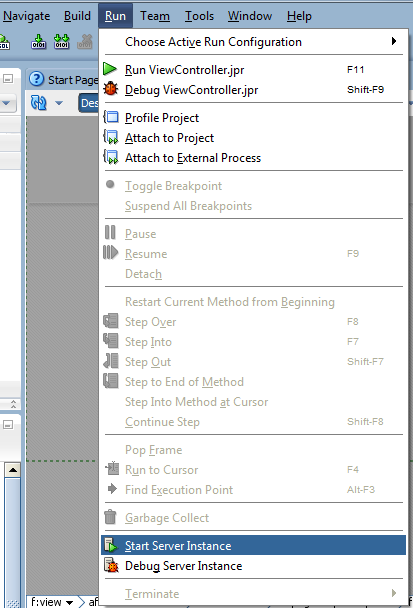
- This first step is to install the integrated WLS. If it is already installed, then you may go to step 3.From the Run Menu, select Start Server Instance.
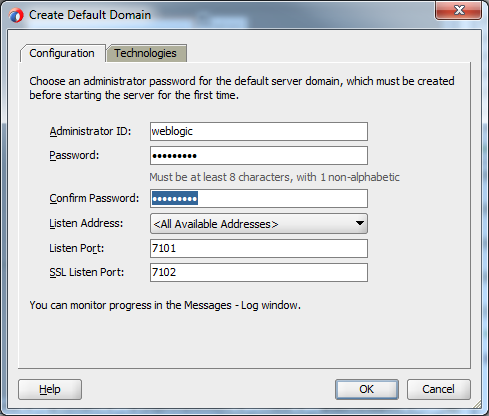
- In the Create Default Domain popup, enter a value for the password and then confirm it.Then click OK.
 The Log window will show you when WLS has been installed and started.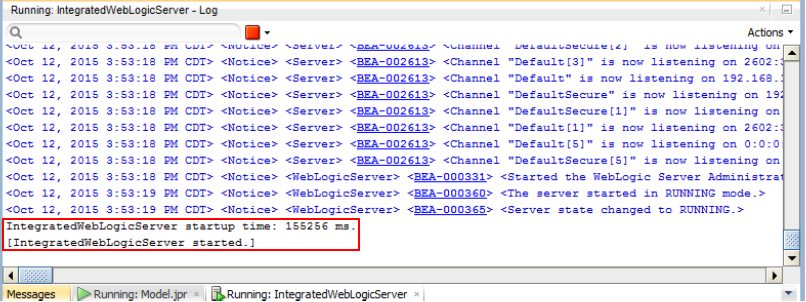
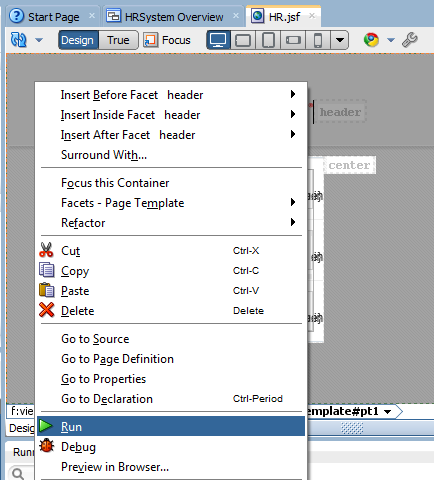
- Next, deploy the page to WLSRight click in the visual editor and from the menu, select Run.
 The Log window will show you the target URL when deployed.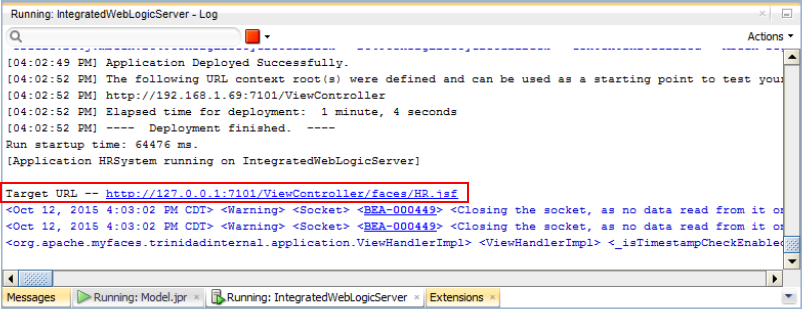
- Your browser will display the page and the two columns - Id and Name. Also notice any of the data records can be selected. Nothing will happen when the record is selected. We'll take care of that in the next section.Keep the browser window open. Do not close it.